Table of Contents
- Why Best Practices for Conference Photography Matter More Than Gear
- Your Conference Photography Shot List: What to Capture and When
- Event Photography Equipment Checklist for Conference Venues
- How to Photograph Keynote Speakers Professionally
- Best Camera Settings for Indoor Events and Low-Light Conditions
- Best Practices for Conference Photography: Editing, Delivery, and Turnaround Time
- Post-Event Content Strategy: Turning Conference Photos Into Marketing Assets
- Conclusion
Last Updated: June 13, 2026
Knowing the best practices for conference photography separates forgettable snapshots from images that drive real business value. At Event Photojournalism, we’ve covered hundreds of corporate conferences, trade shows, and conventions across the DMV area, and the difference between a successful shoot and a missed opportunity almost never comes down to gear. It comes down to preparation, positioning, and understanding what the client needs before you walk through the venue doors.
The most common misconception is that conference photography is reactive work. Photographers who consistently deliver exceptional results treat every assignment as a documentary project with a clear narrative arc: arrival and atmosphere, active sessions, human connection, and brand-aligned detail shots.
Why Best Practices for Conference Photography Matter More Than Gear
Most event planners focus the wrong conversation on equipment, megapixels and focal lengths, when they should be asking about workflow, coverage planning, and delivery timelines. Gear matters, but it’s the last variable separating a professional from an amateur at a corporate conference.
Conference photography is actually four distinct disciplines compressed into one assignment: the environmental instincts of an architectural photographer, the timing of a sports shooter, the people skills of a portrait artist, and the brand awareness of a marketing professional.
The ROI case is straightforward. Organizations use event images across social media, annual reports, press releases, speaker promotion, and future event marketing. A single well-executed shoot can generate months of branded content. Yet many organizations treat photography as an afterthought rather than a strategic investment.
According to Content Marketing Institute’s research on visual content strategy, visual assets are among the highest-priority content formats for B2B marketers. Conference photography feeds directly into that pipeline.
Professional conference photography isn’t an expense line item. It’s a content production investment that yields marketing assets across multiple channels for months after the event closes.
Your Conference Photography Shot List: What to Capture and When
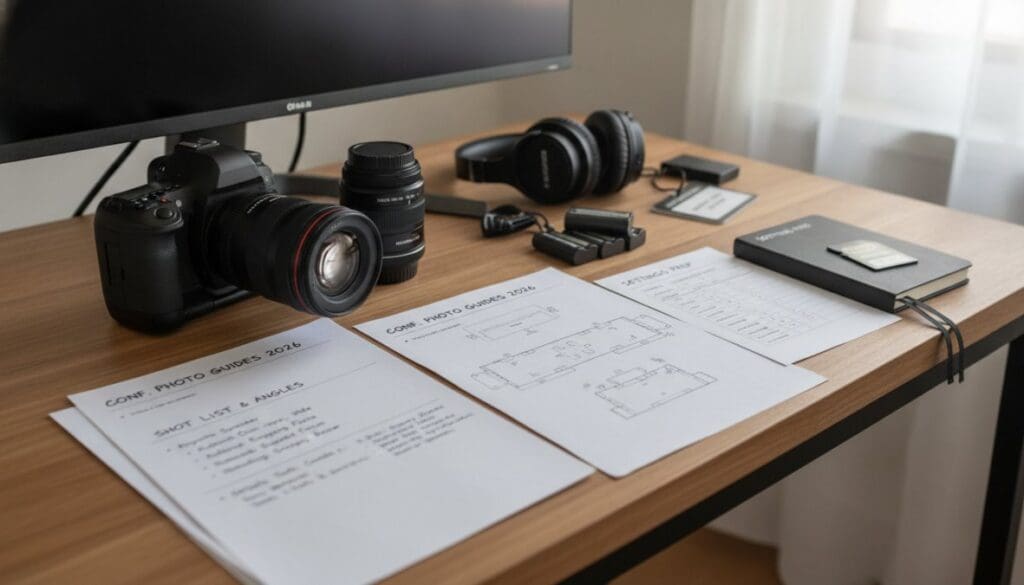
A structured conference photography shot list is the single most important planning tool you can bring to an assignment. Without it, you’ll spend the day reacting instead of directing and leave gaps in coverage that can’t be recreated.
Pre-Event and Arrival Shots
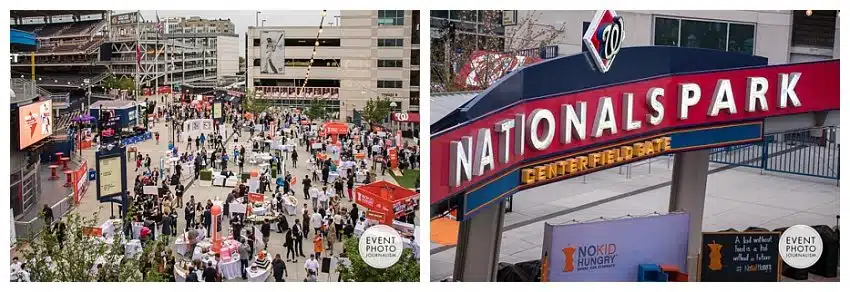
The story of a conference begins before the first session starts. Capture the venue exterior with signage visible, registration desk activity, attendees networking over coffee, and branded materials like lanyards and sponsor banners. These establishing shots are frequently used for same-day social media coverage.
Arrive 60 to 90 minutes before doors open. Walk the entire venue, note where natural light enters, identify main stage sight lines, and locate power outlets. This reconnaissance pays dividends throughout the day.
Session, Panel, and Networking Coverage
Session coverage requires two distinct approaches. Keynote coverage works with fixed stage lighting and a defined subject position, allowing deliberate composition. Panel discussions involve multiple subjects at varying distances, demanding faster adjustments and wider lens choices.
Networking coverage is where candid guest interactions happen, and where the most humanizing content comes from. Photograph small group conversations, handshakes, and moments of genuine engagement. Event planners consistently rank these candid shots among the most useful for future marketing because they communicate organizational culture and energy.
Detail Shots and Brand Photography Moments
Detail shots are the connective tissue of a complete documentation package. Capture sponsor logos on screens, branded coffee cups, name badges, printed agendas, and award trophies. These images anchor the visual narrative to the specific event and give designers flexibility when building post-event collateral.
Brand photography moments require intentionality. Confirm specific logos, color schemes, or messaging in the pre-event brief. A well-executed detail shot of a branded backdrop with speakers in frame is worth more to a marketing team than a dozen generic crowd shots.
Build a shot list template before every [corporate event](/tips-for-corporate-event-photography/) and share it with the client for approval. This single step eliminates the most common post-shoot complaint: “We didn’t get a photo of X.” If X isn’t on the approved list, it’s a scope conversation, not a failure.
Event Photography Equipment Checklist for Conference Venues
Reliable conference photography starts with a redundant kit. Equipment failures at corporate events are not recoverable. Bring two camera bodies, a minimum of three lenses covering wide, standard, and telephoto ranges, and enough batteries and memory cards to shoot the entire event without a single recharge or swap.
Technical Requirements for Conference Venue Environments
Conference venues present specific technical challenges. Most hotel ballrooms use mixed lighting, tungsten stage lighting combined with fluorescent overhead fixtures and occasional LED panels, creating complex white balance situations that require shooting in RAW format.
Key technical requirements include:
- High ISO performance: Expect to shoot between ISO 1600 and ISO 6400 in most ballroom settings.
- Fast lenses: A 70-200mm f/2.8 for keynote coverage and a 24-70mm f/2.8 for general coverage handle the majority of conference scenarios.
- Silent or electronic shutter: Mechanical shutter noise during Q&A sessions disrupts the room. Use silent shutter modes when available.
- Dual card slots: Write to two cards simultaneously. Losing a card at a corporate event is a career-defining mistake.
- Portable LED panel: A small battery-powered LED panel fills shadows at registration and networking coverage without the harshness of on-camera flash.
As noted in Professional Photographers of America’s technical guides, proper equipment preparation is a foundational element of professional event coverage standards.
How to Photograph Keynote Speakers Professionally
Keynote speaker photography requires positioning decisions made before the speaker takes the stage. The best images come from three positions: front-left or front-right at floor level, a center aisle position for head-on shots, and an elevated rear position for wide environmental shots showing audience and stage together.
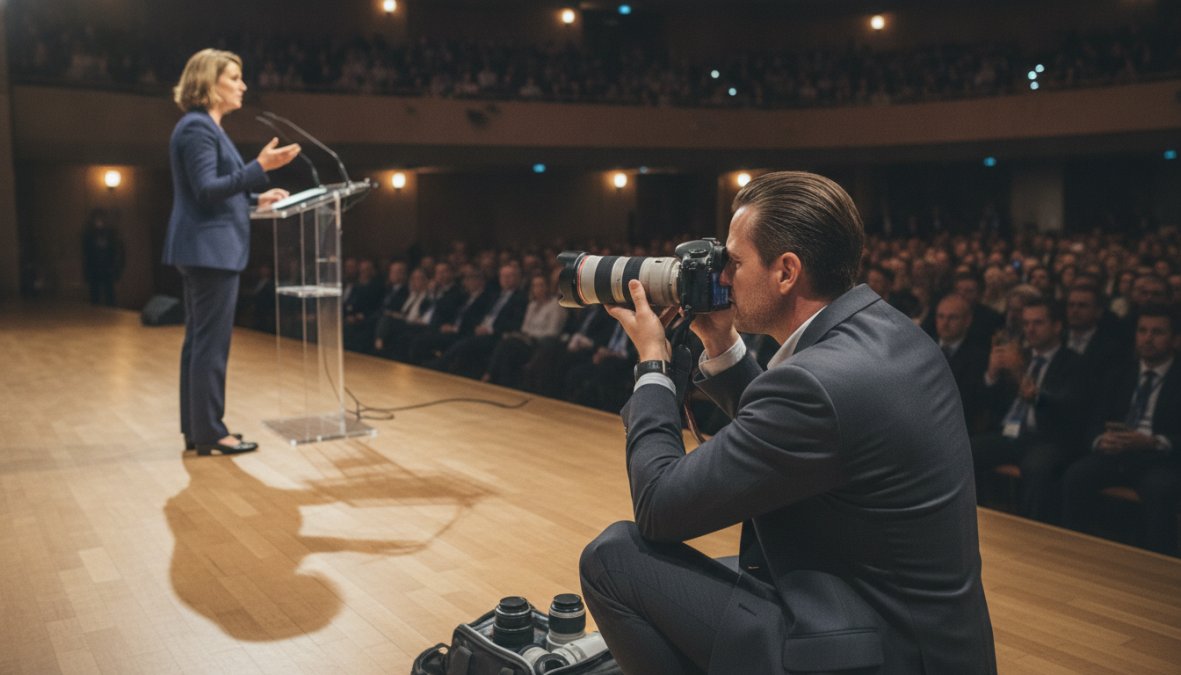
Communicate with the AV team before the session. Ask about lighting cues, planned blackouts for video playback, and whether the speaker will use a handheld microphone or podium. Speakers who move across the stage require different lens choices than those who remain stationary.
The technical approach for keynote coverage follows a clear hierarchy:
- Establish the scene with a wide shot showing the speaker, podium, and audience.
- Move to a medium shot capturing the speaker from the waist up with visible expression.
- Capture close-up shots isolating facial expressions during key moments.
- Shoot reaction shots from the audience during applause or laughter.
- Document any visual aids or demonstrations from the speaker’s perspective.
- Close with a wide environmental shot of the full room as the session ends.
The best frames almost never happen during prepared remarks. They happen during the Q&A, when speakers respond spontaneously and their expressions are unguarded. Stay sharp through the entire session.
Best Camera Settings for Indoor Events and Low-Light Conditions
The best camera settings for indoor events prioritize sharpness and clean exposure above everything else. Start with these baseline settings and adjust based on specific venue conditions.
| Setting | Starting Value | Adjust When |
|---|---|---|
| ISO | 1600-3200 | Raise to 6400 in very dark rooms |
| Aperture | f/2.8 | Open to f/1.8 for darker stages |
| Shutter Speed | 1/250s | Drop to 1/160s for stationary subjects |
| White Balance | Auto (RAW) | Set custom for consistent editing |
| Focus Mode | Continuous AF | Switch to single for posed shots |
| File Format | RAW | Always for event work |
Avoid setting shutter speed too low to compensate for dark conditions. Conference speakers gesture and move constantly, a shutter speed below 1/160s produces motion blur on any speaker who isn’t completely stationary.
For meeting photography and gala photography where flash is acceptable, use bounce flash pointed at a white ceiling. Direct flash looks harsh and amateur; bounced flash mimics natural light and holds up in both print and digital formats.
Never use continuous burst mode throughout an entire conference session. It fills cards rapidly, creates an overwhelming culling workload, and rarely produces better results than deliberate single-shot timing. Reserve burst mode for applause moments and award presentations where peak expression is unpredictable.
Best Practices for Conference Photography: Editing, Delivery, and Turnaround Time
The editing and delivery phase is where many conference photographers lose clients. Corporate clients operate on publishing schedules, and late delivery means missed social media windows, delayed press releases, and frustrated marketing teams.
Efficient Culling and True-to-Color Editing Workflows
A professional conference shoot generates hundreds to several thousand frames. Tools like Aftershoot use AI-assisted culling to flag blurs, closed eyes, and duplicate frames automatically, reducing a four-hour manual culling process to under an hour.
True-to-color editing is the standard for corporate event photography. Clients use these images in branded materials where color accuracy reflects on their organization. Avoid heavy stylistic presets that shift skin tones or alter brand colors. Adobe Lightroom Classic remains the industry standard: apply a base preset to the entire catalog, adjust exposure and white balance by scene section, and make individual corrections only where necessary.
Online Gallery Delivery and High-Resolution Digital Files
High-resolution digital files delivered through a professional online gallery are the expected standard for corporate event photography in 2026. Platforms like picdrop offer password-protected galleries with client annotation and selection tools. Pixieset provides a mobile-friendly ecosystem clients can share internally without technical friction. For events requiring same-day delivery, SpotMyPhotos uses AI-powered face recognition to deliver images to attendees in real time through branded galleries.
Standard turnaround should be communicated before the event: 48 to 72 hours for a priority selection of 50 to 100 images, with the full gallery within five to seven business days. Same-day delivery requires a different workflow and should be discussed during the pre-event brief.
Post-Event Content Strategy: Turning Conference Photos Into Marketing Assets
Conference photography delivers its full value only when it feeds a deliberate post-event content strategy. Most organizations use a fraction of their conference images because there’s no system for deploying them.
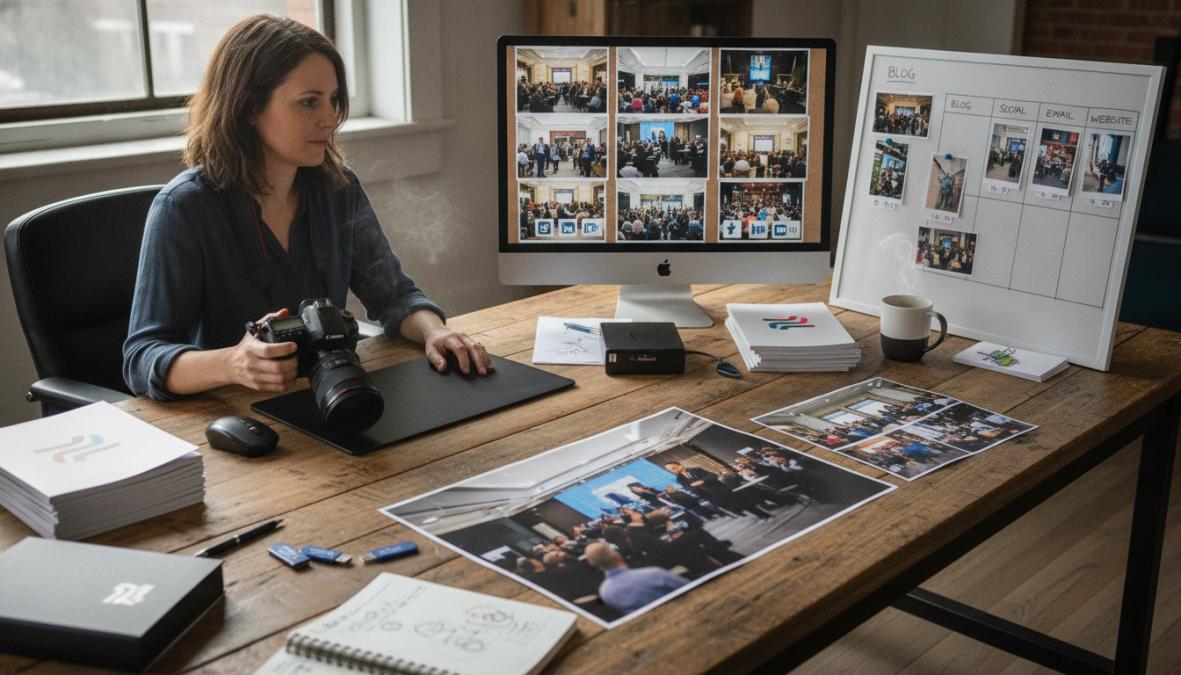
A practical post-event content framework organizes images into deployment categories immediately after delivery, removing the friction that causes images to sit unused in a shared drive.
ROI of Professional Conference Photography for Corporate Branding
The ROI of professional conference photography is measurable when organizations track image use across channels. A single corporate conference generates content for LinkedIn recaps, speaker promotion posts, email newsletters, press releases, website news sections, and the following year’s event marketing. According to LinkedIn’s research on B2B content engagement, posts featuring real event photography consistently outperform stock image content in engagement metrics, authentic images of real people communicate credibility that generic visuals cannot.
The post-event content deployment checklist below gives marketing teams a repeatable system:
- Select 10-15 priority images for immediate social media posting (within 24 hours of event)
- Identify speaker headshots and session images for speaker thank-you posts
- Pull brand photography moments for website news section update
- Archive group portraits and award ceremony images for internal communications
- Flag detail shots and venue images for next year’s event promotion
- Create a curated album of candid guest interactions for culture and recruitment content
- Export high-resolution digital files for PR and media distribution
As outlined in Harvard Business Review’s analysis of visual brand identity, consistent visual storytelling across corporate communications strengthens brand recognition and stakeholder confidence over multi-year periods. Organizations that treat conference photography as a systematic content program, rather than a one-time documentation exercise, build a visual archive that becomes a competitive differentiator in industries where trust and credibility are purchasing factors.
Corporate conferences represent significant organizational investments, and the photography that documents them should reflect that investment. Event Photojournalism brings award-winning expertise and customized coverage solutions to conferences, galas, corporate events, and conventions across the Washington DC and Northern Virginia area, delivering high-resolution image libraries that elevate your brand and amplify your message long after the event ends. Every engagement is built around your specific goals, not a generic package. Contact Event Photojournalism to discuss coverage for your next event.
Frequently Asked Questions
What equipment is needed for conference photography?
A professional conference photographer should carry at least two camera bodies, a fast 24-70mm f/2.8 zoom lens, a 70-200mm telephoto for keynote speaker coverage from a distance, and an external flash with a diffuser for low-light capabilities. A monopod helps stabilize long telephoto shots during sessions. Extra batteries, memory cards, and a laptop for same-day image delivery are also essential items on any event photography equipment checklist.
What should be included in a conference photography shot list?
A strong conference photography shot list should include: venue and signage detail shots before guests arrive, registration and candid guest interactions during arrival, keynote speaker coverage from multiple angles, panel discussions and breakout sessions, group portraits of sponsors or leadership teams, awards presentations, networking moments, and branded materials close-ups. Sharing this shot list with your photographer before the event ensures no critical moment is missed and aligns coverage with your event marketing assets strategy.
How do you handle low light in conference photography?
Handling low light in conference photography requires the right camera settings for indoor events: shoot in RAW format, use a wide aperture (f/2.8 or wider), raise ISO to 3200-6400 on modern camera bodies, and set a minimum shutter speed of 1/200s to freeze movement. Fast prime lenses with strong low-light capabilities are invaluable. Post-processing tools like Topaz Photo AI can recover detail and reduce noise in difficult shots, salvaging images that would otherwise be unusable.
What are the most important shots to capture at a corporate conference?
The most important shots at a corporate conference are keynote speaker moments (especially peak gestures and audience reactions), candid guest interactions during networking, group portraits of key stakeholders, award presentations, and branded detail shots such as signage and stage design. For corporate event photography, images that show energy, engagement, and professionalism are the most valuable for post-event content strategy, social media sharing, and corporate branding materials.
How do you edit conference photos efficiently after a large event?
Efficient post-production for conference photography starts with fast culling software, tools like Aftershoot or Narrative Select use AI to flag blurry images, closed eyes, and duplicates automatically. Once the best images are selected, batch-editing presets in Adobe Lightroom Classic apply consistent true-to-color editing across hundreds of photos at once. Delivering high-resolution digital files through a branded online gallery platform such as picdrop or Pixieset streamlines client access and keeps turnaround time within a professional window.
This article was written using GrandRanker