Table of Contents
- What Event Photography Delivery Looks Like in 2026
- Event Photography Turnaround Time: The New Standard
- How Many Photos to Expect from an Event
- Digital Gallery Delivery for Events: How Files Reach You
- The Post-Event Workflow: Culling, Editing, and Quality Control
- Legal and Liability Considerations in Photo Delivery
- Post-Delivery Support: Revisions, Accessibility, and Client Prep
- Frequently Asked Questions
Last Updated: October 1, 2026
What Event Photography Delivery Looks Like in 2026
Event photography delivery has changed fast. According to Kamero.ai’s 2026 event photography trends report, 81% of attendees now expect same-day photos. Event photography delivery is the process of getting edited, high-resolution images from your photographer into your hands after an event. It covers sneak peeks, full galleries, file formats, and how long each step takes. At Event Photojournalism, we shoot galas, conferences, and weddings across the DMV area.
Event Photography Turnaround Time: The New Standard
The standard turnaround for event photography is 48 hours for a preview and 14 days for the full gallery. Research from Imagen AI’s guide to photo delivery turnaround time shows 68% of younger clients expect a preview within 48 hours, and 42% want the full gallery in under 14 days.
Speed matters for business reasons too:
- Press releases need images the morning after
- Sponsors want proof of visibility while the event is fresh
- Donor follow-ups work better within a week
Ask for a written delivery timeline before you book. A photographer who promises “fast” delivery without dates is promising nothing.
Sneak Peeks, Previews, and Final Galleries
Delivery usually comes in three waves.
A sneak peek is 5-15 edited images sent within 24 hours for social media and press use.
| Delivery Stage | Typical Timing | Image Count | Best For |
|---|---|---|---|
| Sneak peek | 24 hours | 5-15 | Social media, press |
| Preview gallery | 48 hours | 50-150 | Sponsor updates, newsletters |
| Final gallery | 1-3 weeks | 250-800 | Annual reports, archives |
How Many Photos to Expect from an Event
A four-hour event typically yields 250 to 400 final images. Larger events with 500 to 800 photos usually take two to three weeks to deliver, based on Eventifai’s 2026 event photo benchmarks.
If a contract promises “unlimited photos,” ask how many will actually be edited. Unedited raw files are not a deliverable, and dumping 2,000 unedited shots on a client is not delivery.
Digital Gallery Delivery for Events: How Files Reach You
Digital gallery delivery for events means your photos arrive through a private online gallery, not a USB drive or email attachment, a secure link, a password, and download options for full-resolution and web-sized files.
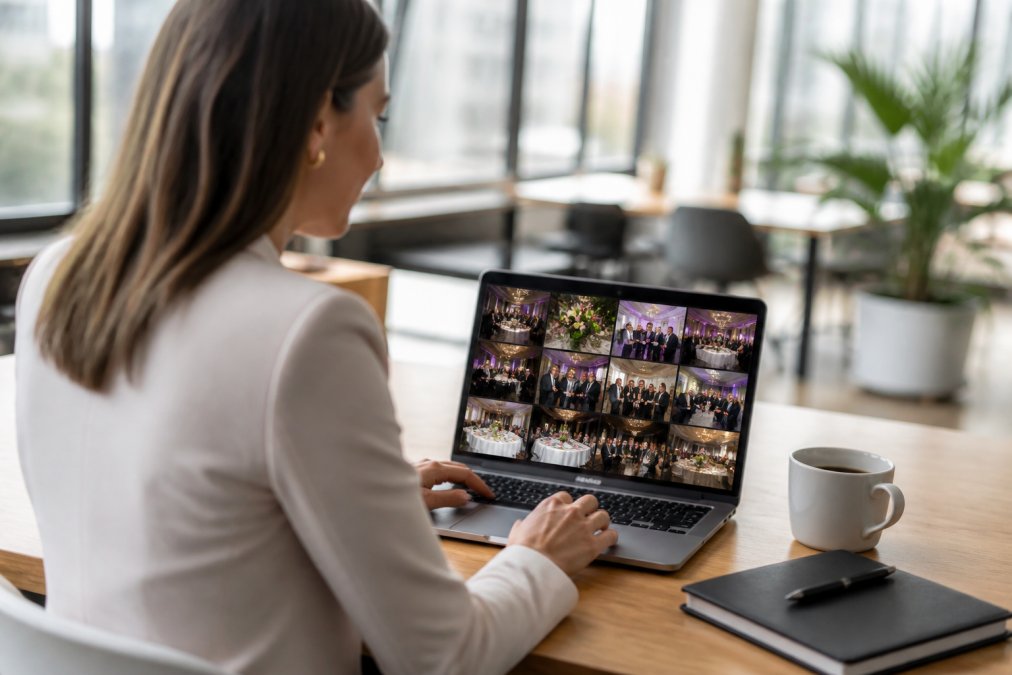
Most galleries include:
- Full-resolution JPEGs for print and press
- Web-sized files for social and email
- A download-all option (often a single ZIP)
- Mobile-friendly viewing
- Per-image download buttons
- Star ratings or color flags on selects
File Formats, Resolution, and What You Actually Receive
Ask what format you are getting before you book. The industry default is JPEG: universally readable, prints fine up to poster size, and uploads cleanly to social platforms.
What you should confirm in writing:
- Resolution. Full-resolution event files are usually 20-50 megapixels, which prints cleanly at 16×24 inches and larger.
- Color space. sRGB is the safe default for web and most print vendors. Adobe RGB gives a wider gamut but can look flat if your team does not have a color-managed workflow.
- RAW files. Most photographers do not deliver RAW. RAW files are unedited, require specialized software, and are typically 2-4x the size of the JPEG. If you need RAW for a specific reason, negotiate it up front.
- Watermarks. Preview galleries are sometimes watermarked; final galleries should not be.
Secure Links, Password Protection, and Download Expiration
Galleries often use password protection and set download expiration dates, usually 30 to 90 days after delivery. Cloud storage costs money, and open links invite misuse. Before the window closes, download everything and back it up, and ask about renewal fees if you need more time.
A few practical safeguards worth asking about:
- Unique per-user links. Some platforms issue a separate link to each stakeholder so access can be revoked individually if someone leaves your team.
- Download tracking. You can often see who downloaded what and when, which is useful for sponsor reporting.
- PIN or two-factor access for galleries that include minors, VIPs, or sensitive corporate content.
- Hotlink protection so images cannot be embedded on third-party sites without permission.
Client-Side Preparation: The Step Almost No Guide Covers
Most delivery guides skip the receiving end. Photographers spend hours preparing a gallery, then hand it to a client whose laptop, Wi-Fi, and storage were never set up for a 6 GB download, that is where delivery actually breaks down. Bridging this technical gap ensures that digital assets remain accessible for high-quality custom printing services that transform fleeting event moments into lasting physical keepsakes.
Before delivery day, do these things on your side:
- Check your bandwidth. A 6 GB download takes 15-45 minutes on a typical office connection, but hours or failure on hotel Wi-Fi. Use a wired connection if you can.
- Free up storage first. A 400-image gallery plus a working copy can eat 15-20 GB. Clear space before the link arrives.
- Confirm your software. Preview and Windows Photos open JPEGs fine; if you plan to edit, confirm your software reads the delivered color space.
- Decide who downloads what. One person pulling the full set and sharing a curated subset beats five people each pulling the whole gallery.
- Test the link on the device you will actually use. A gallery that works on a phone may behave differently in a locked-down corporate browser.
Ask your photographer to send a small test gallery, even five images, a week before the event. It surfaces bandwidth, password, and software problems while there is still time to fix them.
Do not rely on the gallery link as your archive. Download the full set to at least two locations (a shared drive and a cloud backup) within the first week. Galleries expire; your annual report deadline does not.
The Post-Event Workflow: Culling, Editing, and Quality Control
The post-event workflow has four stages: import, culling, editing, and quality control. Skipping any shows in the final images.
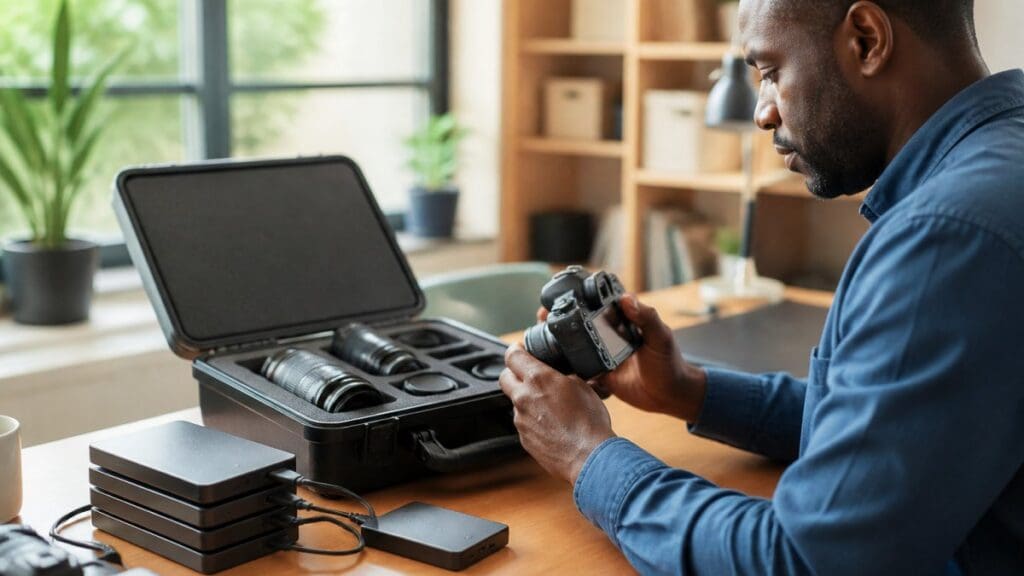
- Import and backup. Files are copied to two drives and backed up to cloud storage.
- Culling. The photographer cuts duplicates, blinks, and weak frames. A 2,000-image shoot often becomes 400 keepers.
- Editing. Batch editing handles color correction and exposure adjustment across similar shots. Key images get individual attention.
- Quality control. A final pass catches soft focus, odd crops, and color drift.
What Each Stage Actually Costs in Time
A four-hour event typically produces 1,500-2,500 raw frames from a single photographer. Here is how that volume moves through the pipeline:
| Stage | Typical Time (2,000-frame shoot) | What Happens |
|---|---|---|
| Import and backup | 30-60 minutes | Dual-drive copy plus cloud upload; checksums verify files |
| Culling | 3-5 hours | Duplicates, blinks, and weak frames removed; keepers flagged |
| Editing | 6-12 hours | Batch color and exposure, then individual work on hero images |
| Quality control | 1-2 hours | Second-pass review on a calibrated monitor |
| Export and upload | 1-2 hours | Resize, rename, upload to gallery, test download |
Culling Ratios and Why They Matter to You
Culling is where quality is decided. A typical keeper rate for event work is 15-25% of frames shot. A photographer who shoots 2,000 frames and delivers 400 is doing the job; one who delivers 1,800 is skipping the cull, and you will feel it when building a sponsor deck from near-duplicates.
Ask your photographer two questions before you book:
- What is your typical keeper rate?
- Do you deliver a curated set or everything you shot?
Automation vs. Judgment: Where the Line Sits
Automated tools now handle more of this work. Real-time delivery systems can cut the manual sorting that eats hours after an event, according to SpotMyPhotos on automated event photo workflows. AI-assisted culling can flag closed eyes, blur, and duplicates far faster than a human can scroll.
Ask your photographer how they name files. A gallery sorted by “IMG_4471” is useless. Galleries named by moment, like “keynote” or “awards,” save your team hours when building a report.
Quality Control: What Gets Caught Before You See It
A real QC pass is a checklist, not a scroll-through. Common items checked before release:
- Soft focus on the primary subject
- Color drift between frames shot under mixed lighting, a real problem at galas with stage wash and warm table lighting
- Awkward crops at the edge of the frame
- Closed eyes on group shots
- Duplicate frames that survived the cull
- Missing must-have shots from the client’s pre-event list
Legal and Liability Considerations in Photo Delivery
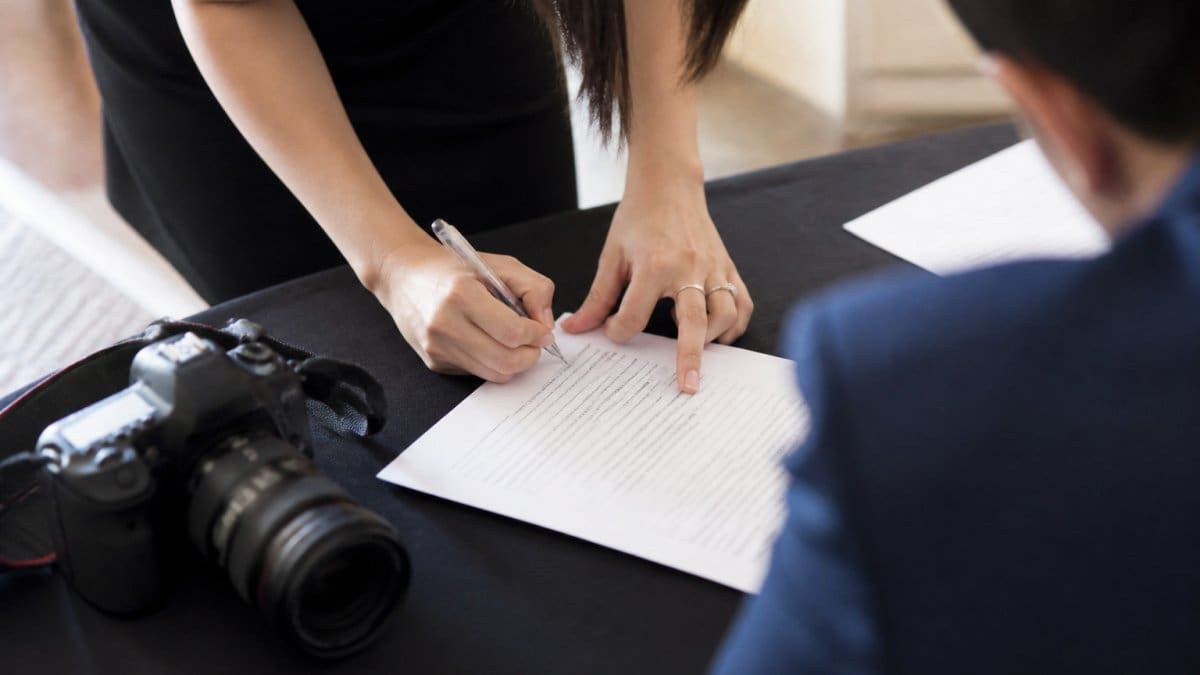
Copyright stays with the photographer unless your contract says otherwise. What you usually get is a usage license, whose terms decide where and how long you can use the images.
Check these items before you sign:
- Usage rights. Do they cover social media, print, and paid ads?
- Exclusivity. Can the photographer use the images in their portfolio?
- Model releases. Are guests and speakers covered for marketing use?
- Liability. Who is responsible if files are lost or a drive fails?
- Backup window. How long will the photographer store your files?
Post-Delivery Support: Revisions, Accessibility, and Client Prep
Post-delivery support covers what happens after the gallery lands. Good photographers offer a 7- to 14-day revision window for fixes like missed crops or color tweaks.
The client side matters too. Before delivery day:
- Confirm who on your team gets gallery access
- Set up a shared drive for the files
- Tell the photographer your top 10 must-have shots in advance
- Ask about alt text or captions for accessibility
- Check that downloads work on your office network
Frequently Asked Questions
How long does event photography delivery typically take?
Turnaround times vary by scope. A 2026 industry report found that 68% of younger clients expect a preview within 48 hours, while 42% want the full gallery in under 14 days. Standard benchmarks suggest 250 to 400 photos within one to two weeks, and larger galleries of 500 to 800 photos within two to three weeks. Discuss your deadline upfront so your photographer can prioritize your event photography delivery.
How many photos should I expect from my event?
For a four-hour event, 250 to 400 edited photos is a common range. Larger events with multiple photographers and longer coverage can yield 500 to 800 or more. The final count depends on guest count, venue size, and the number of key moments. Ask your photographer for an estimate based on your specific run of show so you know how many photos to expect from your event.
What file formats and resolutions should I receive?
Professional event photographers typically deliver high-resolution JPEG files suitable for print and digital use. Some also provide web-optimized versions for social media. Raw files are rarely included by default because they require post-processing and color correction. If you need raw files for a specific purpose, negotiate that in your contract before the event. Digital gallery delivery for events usually includes both print-ready and web-ready formats.
What happens if I need revisions or additional edits after delivery?
Most photographers include a revision window in their contract. Contact your photographer within that period if you need specific images re-edited for exposure, color correction, or cropping. For accessibility needs, such as alt text for web use, ask ahead of time. Post-delivery support varies by photographer, so clarify revision policies and any associated fees before booking your event photography delivery.
Every event has one shot that carries the whole story. The problem is you do not know which one until it is gone. Event Photojournalism solves that with award-winning coverage, customized shot planning, and high-resolution delivery built for press deadlines and donor outreach. Our team serves the DMV area from two locations, capturing conferences, galas, and weddings with a candid, photojournalistic eye. Contact us and turn your next event into lasting visual assets.