Last Updated: October 26, 2026
Quick Summary
Fast event photo delivery relies on tools matched to each stage of the workflow: Imagen for batch culling and style-consistent editing, Snappic for instant guest sharing, QR-sharing platforms like Cam-Shot and Kwikpic for branded galleries, and WinSCP for free camera-to-cloud file transfer. Pair editing tools with a controlled sharing platform so highlights reach communications staff without manual file handling.
- Imagen applies batch edits and consistent styles to shorten the gap between card and gallery.
- QR-code sharing removes the app-install step by opening a branded gallery in the mobile browser.
- Do not publish a single open QR code for events with minors, VIPs, or confidential launches.
- WinSCP is free, open-source file transfer software but offers no galleries or guest access.
- Deliver same-hour highlights, a next-morning press set, and a full archive within a few business days.
Table of Contents
- Quick Comparison: Event Photo Delivery Software at a Glance
- How We Evaluated These Event Photo Delivery Tools
- 1. Event Photojournalism: Full-Service Capture and High-Resolution Delivery
- 2. Imagen: Batch Culling and Style-Consistent Editing
- 3. Snappic: Instant Photo Delivery for Events With SmartShare
- 4. Cam-Shot, FotoOwl, Kwikpic, Samaro, Kamero, and CamTom: QR Sharing and Branding Compared
- 5. WinSCP: Free File Transfer for Camera-to-Cloud Workflows
- Building a Corporate Event Photography Workflow That Delivers on Deadline
- Frequently Asked Questions
Quick Comparison: Event Photo Delivery Software at a Glance
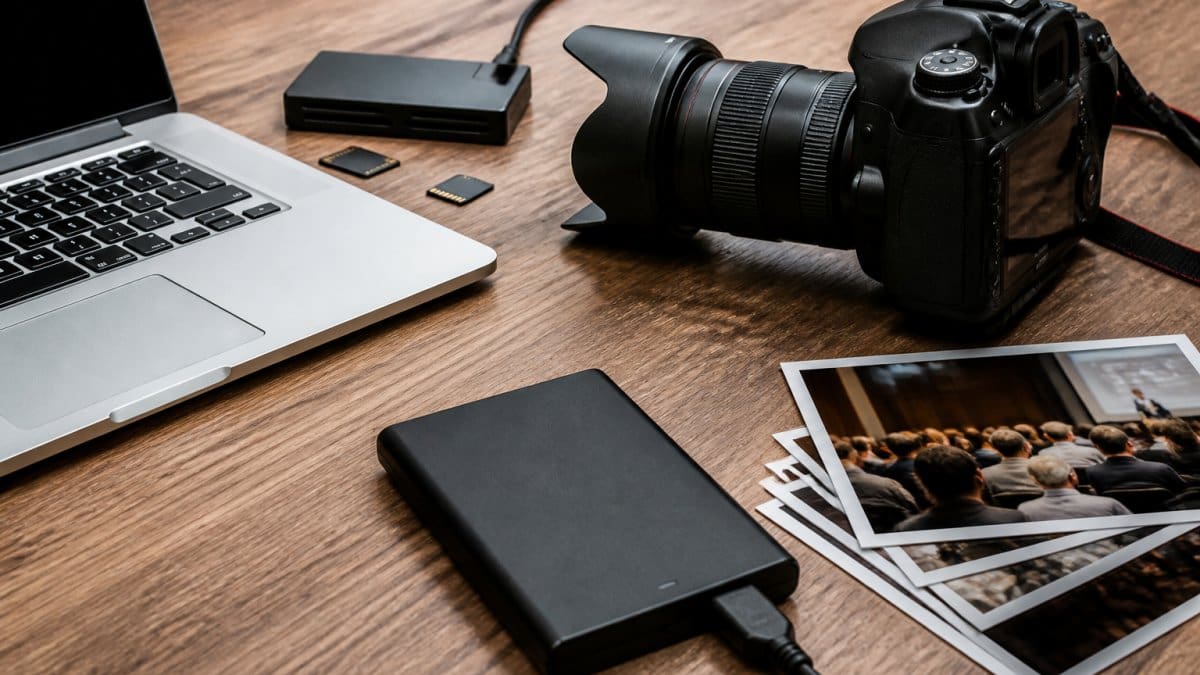
Fast event photo delivery starts with choosing tools that match your workflow, not your ego. At Event Photojournalism, we provide photography for conferences and galas across the DMV area. Below, we break down nine tools that matter for corporate event photography, what each one actually does, and where it falls short. If you are comparing delivery platforms in depth, our guide on choosing the right photo delivery platform covers the selection criteria in full.
| Tool | Core Strength | Best For | Pricing |
|---|---|---|---|
| Event Photojournalism | Full-service capture and high-resolution delivery | Organizations that need coverage and delivery handled | Quote-based |
| Imagen | Batch culling and style-consistent editing | High-volume editing before delivery | Not published |
| Snappic | Instant sharing with SmartShare | Fast branded guest delivery | Not published |
| Cam-Shot, FotoOwl, Kwikpic, Samaro, Kamero, CamTom | QR sharing and branding | Guest-facing distribution | Not published |
| WinSCP | Free file transfer | Camera-to-cloud uploads | Free, open source |
How We Evaluated These Event Photo Delivery Tools
A platform that shares photos instantly but cannot restrict access is a liability at a board meeting.
If highlights need to reach communications staff the morning after a gala, any step that requires manual file handling is a risk. For the standards we hold delivery to, see what to expect from event photography delivery.
1. Event Photojournalism: Full-Service Capture and High-Resolution Delivery
Event Photojournalism provides award-winning photography and customized coverage for conferences, corporate events, galas, and weddings, with high-resolution image delivery.
Best for: nonprofits and enterprises that need discreet, reliable coverage plus delivery they do not have to manage.
Skip if: you already have a photographer and only need sharing software.
Where Event Photojournalism Fits in a Corporate Workflow
If you are weighing delivery speed against same-day highlights, compare next-morning delivery options, and for the brand case, read why high-resolution event photos matter.
2. Imagen: Batch Culling and Style-Consistent Editing
Imagen targets the slowest stage of corporate event photography: culling and editing thousands of frames. It applies batch edits and consistent styles across a shoot, which shortens the gap between card and gallery. It is not a sharing platform, so pair it with a delivery tool. Pricing is not published, so request a quote.
3. Snappic: Instant Photo Delivery for Events With SmartShare
Snappic handles shooting, branding, and instant sharing in one place, with AI-powered tools and SmartShare delivery. For guest-facing events where people want their photo before they leave, that speed matters. What most reviews miss: instant sharing is only useful if access is controlled, so confirm guest permissions before a private corporate event.
4. Cam-Shot, FotoOwl, Kwikpic, Samaro, Kamero, and CamTom: QR Sharing and Branding Compared
QR-code sharing is the default guest-facing delivery method at corporate events because it removes the app-install step: a guest scans a code on a table card, a step-and-repeat, or a badge insert, and lands on a branded gallery in the mobile browser. The six tools in this group compete on that same ground, but they differ in ways that matter once a legal or IT reviewer joins the conversation. These security requirements often overlap with the broader logistical challenges that arise when you coordinate multiple event vendors to ensure a seamless experience for every stakeholder.
How QR Delivery Actually Works
- Capture or upload, images arrive from a tethered camera, a photo booth, or a guest upload page.
- Gallery assignment, the platform sorts images into an event gallery, often by folder, time window, or face grouping.
- Code generation, the platform issues a static or per-guest QR code that resolves to the gallery URL.
- Access gate, the guest passes through an email capture, a PIN, a badge-number check, or open access before downloading.
The access gate is where corporate deployments live or die. Open QR codes are fine for a public activation but wrong for a board dinner or an internal offsite where employee images should not be publicly indexable.
What Separates These Six Tools
- Branding control, custom colors, logos, and landing pages versus a white-label domain. Ask whether branding applies to the gallery, the download email, and the share card.
- Gallery privacy, private, password-protected, or per-guest galleries versus a single public album. Confirm whether unlisted URLs are truly unlisted or merely hard to guess.
- Download format, full-resolution originals versus web-sized files. Corporate communications teams usually need print-ready files, not social crops.
- Mobile behavior, whether the gallery works in a mobile browser without an app, and how it behaves on congested venue Wi-Fi.
- Data handling, where images are stored, how long they are retained, and whether the vendor signs a data processing agreement. This is the question procurement will ask first.
A Practical Test Before You Commit
Do not publish a single open QR code for an event with minors, VIPs, or confidential product launches. Use per-guest codes or a badge-number gate, and confirm retention settings in writing before the event.
For the broader platform selection criteria, see our guide on choosing the right photo delivery platform.
5. WinSCP: Free File Transfer for Camera-to-Cloud Workflows
WinSCP is open-source file transfer software that can keep a remote directory synchronized, which cuts manual upload steps in a camera-to-cloud workflow. It is free, and it is genuinely useful if you already run a server or cloud folder. It does not offer galleries or guest access, so it is a plumbing tool, not a delivery platform.
Building a Corporate Event Photography Workflow That Delivers on Deadline
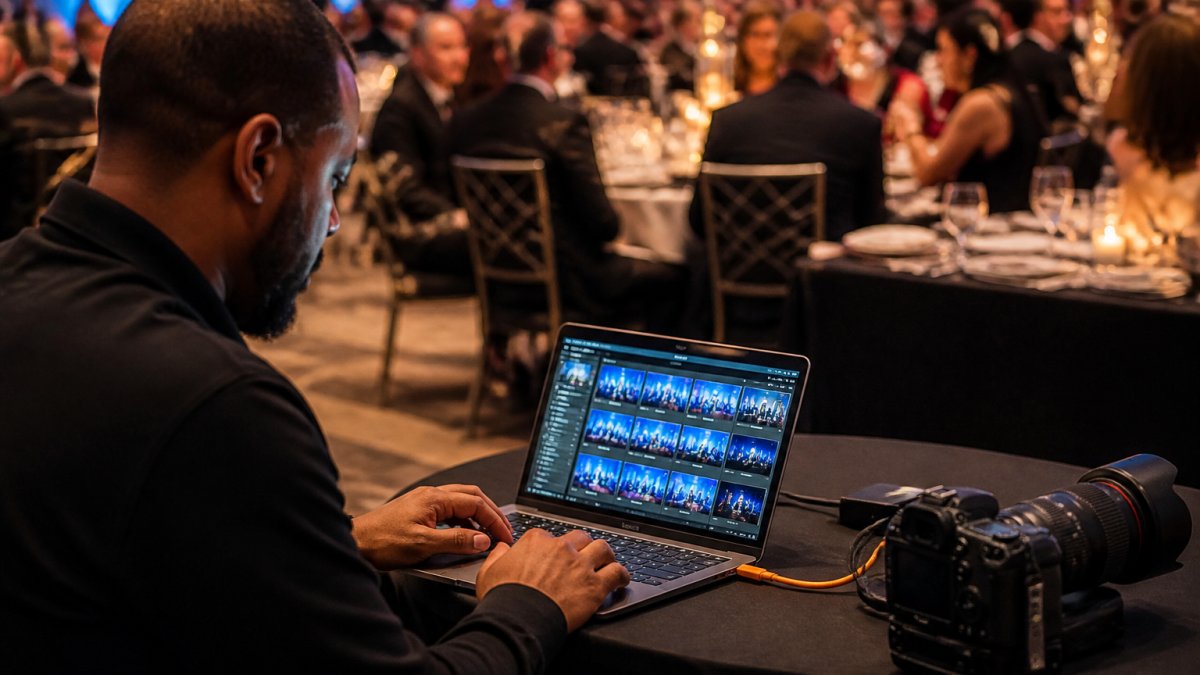
Corporate delivery can involve communications, sponsor-relations, HR, and legal recipients, each needing different images on a different schedule.
Define Delivery Targets Before the Event
Speed is meaningless without a target.
- Same-hour highlights, a small set of selects pushed to a private gallery or shared drive during the event for social and internal channels.
- Next-morning press set, a curated, captioned batch ready for the press release, the recap email, and the executive LinkedIn post.
- Full archive, the complete, culled, color-corrected gallery delivered within a few business days, with usage rights documented.
The Delivery Chain, Stage by Stage
- Capture with redundancy. Run a second card slot as backup and, where the venue allows, tether or wireless-tether to a laptop so selects are available before the event ends. Skipping the backup card is the single most common way teams lose an entire gala’s coverage.
- Cull in batches. Use Imagen or your editor’s built-in tools to rate and flag in passes, first for technical failures, then for the press set, then for the full gallery. Batch culling is what makes same-hour highlights possible.
- Edit to a consistent style. Apply a preset or batch edit so the gallery reads as one event, then export full-resolution files for print and web-sized files for social. Keep the two exports separate so communications staff are not guessing which file to use.
- Upload through a controlled path. WinSCP or your platform’s cloud sync handles the transfer; the destination should be a private gallery with role-based access, not a public folder.
- Distribute by audience. Send the press set to communications, the sponsor set to sponsor relations, and the guest gallery link to attendees through the platform’s QR or email flow. Each audience gets its own access path.
Where Corporate Workflows Break
To turn delivered images into sponsor updates, follow our step-by-step sponsor recap workflow. For the standards we hold delivery to, see what to expect from event photography delivery.
Frequently Asked Questions
What features should event photo delivery software include?
Corporate buyers can assess their delivery needs before choosing software.
How quickly can guests receive photos from an event?
Turnaround depends on the workflow. Contact Event Photojournalism to discuss delivery timing for your event.
Can event photo delivery software create branded galleries?
Event Photojournalism provides high-resolution image delivery. Contact us to discuss your event’s delivery needs.
What is the difference between photo editing software and photo delivery software?
Editing software and photo delivery software serve different purposes. Contact Event Photojournalism to discuss your event photography needs.
How do event photo platforms identify and sort attendee photos?
Contact Event Photojournalism to discuss your event photography and image-delivery needs.
Corporate event photo delivery fails quietly: a missed upload, an open gallery, a three-week edit queue. Event Photojournalism handles capture and high-resolution delivery with customized coverage, two DMV locations, and planning that accounts for your sponsors and VIPs before the event starts. Get started with Event Photojournalism and put delivery on a schedule you can trust.