Table of Contents
- Why Candid Corporate Event Photos Tell a More Powerful Story
- How to Capture Candid Corporate Event Photos: Planning and Preparation
- Your Corporate Event Photography Shot List: What to Plan in Advance
- Best Camera Settings for Corporate Events
- Event Photography Lighting Techniques for Corporate Spaces
- How to Capture Candid Corporate Event Photos Without Being Intrusive
- Candid Photography Tips for Beginners Shooting Corporate Events
- Workflow for Real-Time Delivery and Post-Processing
- Conclusion
Last Updated: June 2, 2026
Knowing how to capture candid corporate event photos separates forgettable event documentation from imagery that actually builds a brand. At Event Photojournalism, we’ve covered hundreds of corporate conferences, galas, and networking events across the DMV area, and the difference between stiff, posed shots and authentic storytelling almost always comes down to preparation and technique, not luck. The unposed moment, a keynote speaker mid-gesture, two executives laughing during a coffee break, a first-time attendee absorbing the room, tells the story that no staged group photo ever could. Below, we’ll show you exactly how to plan, shoot, and deliver corporate event photography that clients return for year after year.
Here’s what most guides get wrong: they treat candid corporate photography as a reactive skill, something you wing on the day. The photographers who consistently produce powerful work treat it as a system. The sections that follow cover that system in full, from venue scouting and camera settings to the psychology of the unposed subject and real-time image delivery.
Why Candid Corporate Event Photos Tell a More Powerful Story
That distinction matters enormously for brand storytelling. When a company shares images of genuine laughter, focused attention during a keynote, or spontaneous connection during networking, the audience reads authenticity. Staged shots, however well-lit, read as marketing. Authentic moments read as evidence.
The human side of business is increasingly what separates compelling corporate content from noise. Decision-makers, potential hires, and clients all respond to imagery that shows real people doing real things. A wide shot of a packed conference hall during an applause moment communicates scale and energy. A close-up of someone’s expression as they process a speaker’s point communicates depth and engagement.
Candid photography also serves event documentation in ways posed work cannot. It creates a visual record of the event atmosphere, the crowd density, the quality of production, and the caliber of attendees. That record has value far beyond a single social media post. It feeds websites, annual reports, pitch decks, and future event marketing.
The real argument for candid work is this: anyone can photograph what was planned. The skill is capturing what was felt.
How to Capture Candid Corporate Event Photos: Planning and Preparation
Preparation is where candid photography is actually won or lost. Showing up without a plan means spending the first hour orienting yourself instead of shooting.
Building Your Event Brief and Understanding Client Expectations
Start every corporate event engagement with a detailed brief. The event brief is a written document that captures the client’s priorities, the event schedule, key speakers, VIP attendees, and the specific moments the client considers non-negotiable. Without it, you’re guessing.
Ask the client directly: what does success look like for these images? Some clients need networking shots for LinkedIn content. Others need keynote documentation for a post-event recap. Others want imagery that shows their brand in context with high-profile partners. These are different shooting priorities, and they affect where you position yourself throughout the day.
Clarify deliverables upfront. Turnaround time, resolution, file format, and usage rights should all be confirmed before the event, not after. Client expectations that aren’t managed in advance become complaints after delivery.
Request the run-of-show document from the event coordinator at least 48 hours before the event. This gives you a minute-by-minute schedule so you can anticipate transitions, panel discussions, and award moments rather than reacting to them.
Scouting the Venue and Mapping Unpredictable Lighting Zones
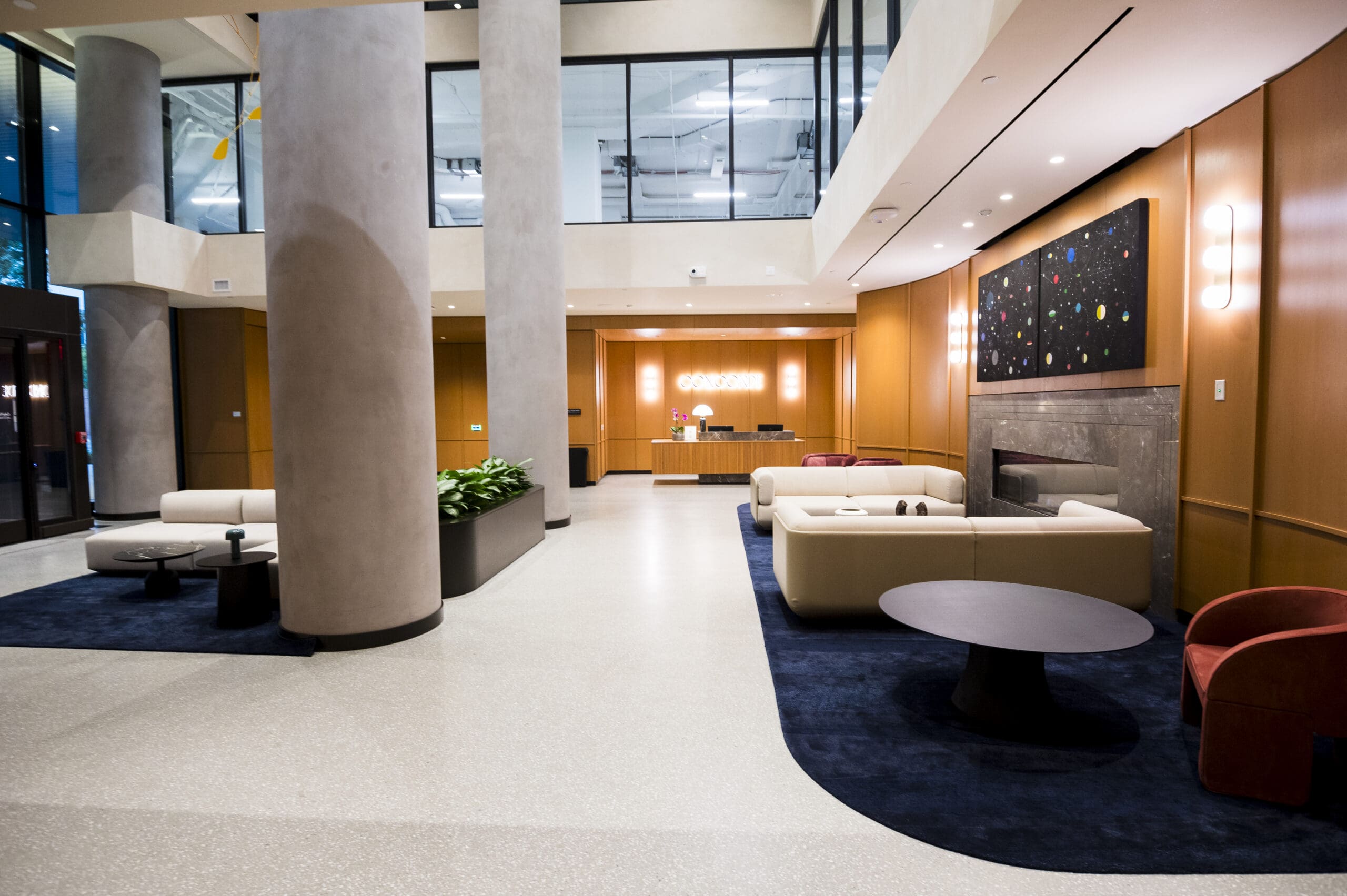
Venue scouting is non-negotiable for serious event photographers. Walk the space before guests arrive. Identify where the stage lighting falls, where windows create harsh backlight during morning sessions, and where the room goes dark during presentations.
Corporate event spaces are notorious for mixed and unpredictable lighting. Ballrooms often combine tungsten stage lighting with fluorescent overheads and natural light from windows, all with different color temperatures. Map these zones so your exposure decisions are made in advance, not in the moment.
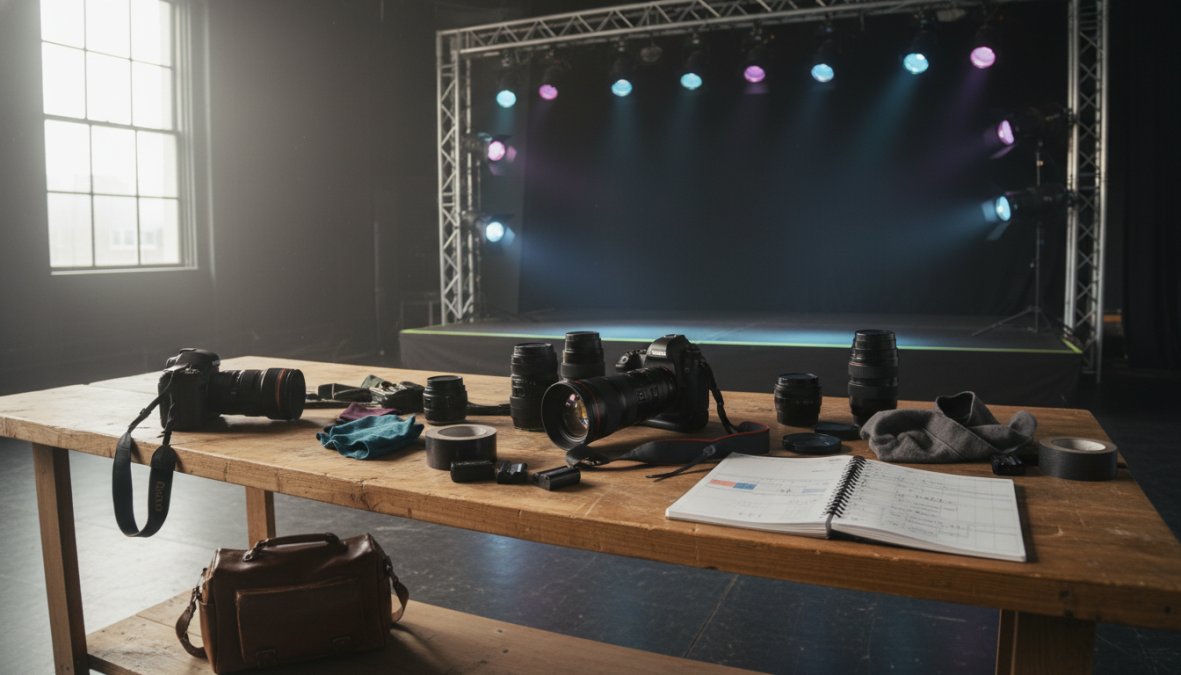
Identify your anchor positions: spots where you can cover multiple angles without moving, where you’re not blocking attendee sightlines, and where you can exit quickly when the scene changes. Good positioning is as important as good technique.
Your Corporate Event Photography Shot List: What to Plan in Advance
A corporate event photography shot list is a prioritized list of must-capture moments, scenes, and subjects that ensures nothing critical is missed during a fast-moving event.
Build the shot list from the event brief, but structure it by time, not by category. A time-ordered list means you’re never hunting for what to shoot next. Here’s a practical framework:
Pre-event (arrival and setup):
- Venue wide shots before guests arrive
- Signage, branding elements, and stage setup
- Speaker or presenter portraits during soundcheck
During the event:
- Keynote speaker at podium, mid-gesture and scanning the room
- Audience reaction shots during high-energy moments
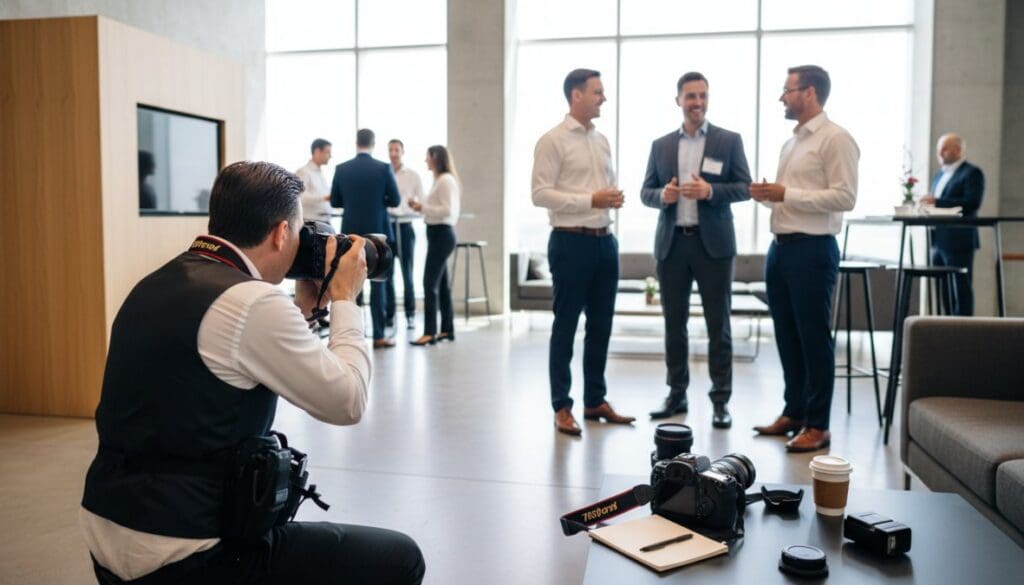
- Networking interactions: handshakes, group conversations, business card exchanges
- Panel discussions with multiple subjects in frame
- Award presentations and recognition moments
Candid priorities:
- Spontaneous laughter and genuine expressions
- Attendees engaging with exhibitor booths or materials
- Behind-the-scenes moments: staff coordination, green room activity
- Event atmosphere: crowd density, room energy, environmental details
The shot list is a floor, not a ceiling. It ensures you don’t miss the essentials while leaving room to pursue the unexpected moments that become the strongest images.
Best Camera Settings for Corporate Events
The best camera settings for corporate events balance fast shutter speed, wide aperture, and elevated ISO to handle unpredictable lighting without sacrificing sharpness or detail.
Shutter Speed, Aperture, and ISO in Low-Light Environments
Low-light corporate environments are the most technically demanding shooting conditions outside of night photography. The typical ballroom or conference center offers far less light than it appears to the eye, and the camera’s sensor has to compensate.
Start with these baseline settings and adjust from there:
| Setting | Starting Value | Adjust When |
|---|---|---|
| Shutter Speed | 1/200s | Subject motion is blurred: increase |
| Aperture | f/2.0 – f/2.8 | Depth of field too shallow: close down |
| ISO | 1600 – 3200 | Image too dark or noisy: test higher |
| White Balance | Auto or Tungsten | Color cast is visible: adjust manually |
Shutter speed is the most critical variable for candid work. A speaker gesturing at the podium, a handshake mid-pump, an attendee turning to laugh: all of these involve movement. Drop below 1/160s and you’ll introduce motion blur that ruins otherwise strong frames. In very dark environments, push ISO before you sacrifice shutter speed.
Aperture controls depth of field, which shapes how much of the scene is in focus. A wide aperture like f/1.8 creates beautiful subject separation but requires precise focus in crowded spaces. At networking events where subjects are moving unpredictably, f/2.8 gives you more margin for focus error while still producing a clean background separation.
Avoid shooting wide open at f/1.4 or f/1.2 during fast-moving networking scenes. The depth of field becomes so shallow that focus misses are common, and a sharp background with a soft face is an unusable image. Save those apertures for controlled portrait moments.
Using Silent Shutter and Burst Mode to Stay Unobtrusive
Silent shutter mode is one of the most underused tools in corporate event photography. The mechanical shutter click is a social signal: people hear it and become aware they’re being photographed. That awareness collapses the candid moment instantly.
Most modern mirrorless cameras offer an electronic silent shutter that eliminates the sound entirely. Enable it during keynotes, panel discussions, and intimate networking moments. The difference in subject behavior is immediate and significant.
Burst mode pairs with silent shutter to capture expression sequences. Human expressions peak and fade in fractions of a second. A burst of five to eight frames during a speaker’s key moment gives you multiple options to choose the sharpest, most expressive frame in post-processing. Muscle memory for when to trigger the burst comes with practice, but the target is the moment just before the peak: the laugh building, the applause starting, the handshake completing.
Event Photography Lighting Techniques for Corporate Spaces
Most guides treat event photography lighting as a problem to solve with flash. That’s the wrong instinct for candid work.
On-camera flash announces your presence, flattens faces, and destroys the event atmosphere you’re trying to capture. Off-camera flash rigs are impractical in crowded spaces. The better approach is to master available light and supplement only when absolutely necessary.
According to Photography Life’s guide to event photography, understanding the color temperature of different light sources is foundational to getting accurate exposure in mixed-lighting environments. Corporate venues typically layer multiple light sources: warm stage spotlights, cool overhead fluorescents, and natural window light. Each has a different color temperature, and shooting on a single white balance setting will leave some zones with a strong color cast.
The practical solution is to shoot in RAW format, which preserves full color data for correction in post-processing. Set your white balance to the dominant light source in the room, typically the stage lighting during presentations, and correct other zones in editing.
When supplemental light is unavoidable, use a bounce flash aimed at the ceiling or a nearby wall. This diffuses the light and mimics a natural overhead source. It’s far less intrusive than direct flash and produces far more flattering results on faces.
Position yourself near windows during registration and networking periods. Natural light is the most flattering available source, and the soft, directional quality of window light creates images that look far more editorial than anything produced under fluorescent overheads.
How to Capture Candid Corporate Event Photos Without Being Intrusive
The most technically skilled photographer in the room will produce average candid work if subjects are constantly aware of the camera. Invisibility is a skill, and it’s learnable, but it’s built from specific behaviors, not vague advice about "blending in."
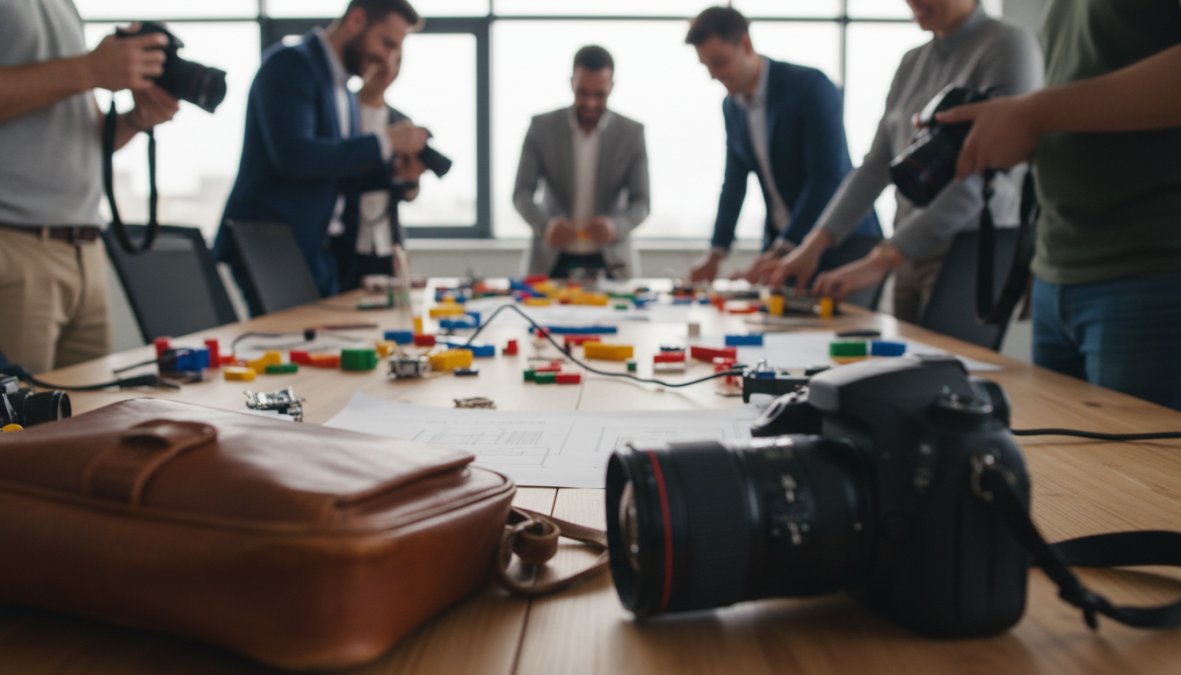
The Psychology of the Unposed Subject
Unposed subjects behave naturally when they forget the camera exists. That forgetting is not passive, it’s something the photographer actively engineers through behavior, positioning, and language.
The psychological mechanism at work is called habituation: repeated, non-threatening exposure to a stimulus causes the nervous system to stop registering it as significant. For event photography, this means your goal in the first twenty minutes is not to shoot aggressively, it’s to become part of the furniture. Move through the room at a steady, unhurried pace. Avoid stopping to review images on your LCD in the middle of a crowd, which signals to everyone nearby that something worth photographing just happened. Keep the camera at your side or raised to eye level in a single fluid motion rather than lifting it slowly and deliberately.
Focal length is a key tool here. A 70-200mm lens lets you work from across the room, giving subjects physical and psychological distance from the camera. At that range, most people stop registering your presence entirely. Wide-angle lenses require close physical proximity, which keeps subjects aware of you and collapses the candid dynamic. For tight conference rooms or small breakout sessions where a telephoto is impractical, a 35mm or 50mm lens used from a seated or crouched position, eye level with subjects rather than looming above them, reduces the sense of intrusion significantly.
Actionable Scripts for Making Subjects Comfortable Without Posing Them
This is the gap almost no photography guide addresses: what do you actually say to people at a corporate event to lower their guard without directing them into a pose?
The goal of any verbal interaction is to neutralize the subject’s self-consciousness and redirect their attention back to the event, not to the camera. Here are four specific scripts that work in practice:
At registration or arrival:
"I’m covering the event for [client name], just documenting the day as it happens. Don’t mind me at all."
This one sentence does three things: it establishes legitimacy, signals that you’re not going to ask them to pose, and gives them permission to ignore you. Most people visibly relax after hearing it.
When someone notices you shooting them:
Make brief, friendly eye contact, give a small nod, and immediately look away, not at your camera, but at something else in the room. Breaking eye contact toward the camera reinforces that you’re watching them; breaking it toward the broader scene signals that they were incidental, not the target. Most people will return to their conversation within seconds.
When a subject asks "Are you getting good shots?":
"Lots of great energy in the room today, the light in here is working really well." Redirect to the environment, not to them as subjects. This keeps the conversation brief and non-focused on their appearance, which is the source of most self-consciousness.
When you need a specific person in a specific location for a candid-style shot:
Rather than posing them, use environmental direction: "There’s a great view of the stage from over by the windows if you want to watch the next speaker." You’re directing movement without directing expression or posture, which preserves the natural quality of the resulting image.
Positioning Strategy: The Perimeter-to-Core Method
Beginners instinctively move toward the action. Experienced corporate photographers work the perimeter first and move inward only when a scene has developed.
Start every session from the room’s edges. The perimeter gives you sight lines across the entire space, lets you identify where genuine interactions are forming, and keeps you out of the social flow that makes subjects aware of the camera. Once you identify a scene worth pursuing, a conversation that’s becoming animated, a group that’s laughing, an attendee absorbed in a speaker’s point, move toward it slowly and obliquely, approaching from the side rather than head-on.
The oblique approach is not just about avoiding eye contact. It’s about entering the subject’s peripheral vision gradually rather than appearing suddenly in their direct line of sight. A subject who sees you approach from the side has time to habituate to your presence before you’re close enough to shoot. A subject who looks up and finds you directly in front of them will almost always react to the camera.
Identify two or three anchor positions in each room: spots where you can cover multiple angles without moving, where you’re not blocking attendee sightlines, and where you can exit quickly when the scene changes. A column near the back of a conference room, a corner near the bar at a networking reception, the side of a stage rather than the front, these positions let you work invisibly for extended periods.
Legal and Privacy Considerations at Corporate Events
This is the section most guides skip entirely. It’s also the one that can end a professional relationship or create legal exposure.
Corporate events often involve attendees who have not explicitly consented to being photographed. The legal framework varies by jurisdiction, but the practical standard for private corporate events is this: the event organizer, as the contracting party, is generally responsible for ensuring attendees are aware that photography will occur. This is typically handled through event registration language, terms and conditions, or signage at the venue entrance. As the photographer, your first protective step is to confirm this framework exists before you arrive.
Ask the event coordinator directly: have attendees been notified that professional photography will take place, and is there signage at entry points? If the answer is unclear, recommend visible signage. A simple printed notice at registration, "Professional photography is in progress at this event. Images may be used for [company name] marketing and communications.", covers the organizer’s obligation in most jurisdictions and protects you as the contracted photographer.
Specific situations require additional care:
- Photographing minors at corporate family events or bring-your-child-to-work days requires explicit parental or guardian consent. Do not assume that a parent’s presence constitutes consent for their child to be photographed for commercial use.
- Sensitive business information visible in the frame, proprietary slides, financial data on screens, confidential documents on tables, should be avoided or obscured in post-processing. Healthcare conferences, legal events, and financial services gatherings carry heightened sensitivity around incidental capture of protected information.
- Employee photography for internal use versus external marketing carries different implications. An image used on an internal intranet is treated differently than one used in a public advertising campaign. Clarify intended usage in your contract, and flag to the client if they later request use outside the originally agreed scope.
Image usage rights should be clarified in your contract before the event. Specify which uses are covered, internal communications, external marketing, press releases, social media, annual reports, and whether the license is exclusive or non-exclusive. According to American Society of Media Photographers guidelines on event photography rights, usage licensing is one of the most common sources of post-delivery disputes in corporate photography, and written clarity upfront eliminates the majority of them.
For events with international attendees or clients operating under GDPR jurisdiction, the standard is more specific: identifiable individuals in photographs may have the right to request deletion of images in which they appear, depending on how those images are used and stored. If your client operates in the EU or handles EU employee data, raise this with them during the briefing phase. It is their compliance obligation, not yours, but flagging it positions you as a knowledgeable professional rather than a vendor.
Create a one-page privacy and usage summary as part of your standard client onboarding. It takes thirty minutes to write once and eliminates ambiguity on every engagement that follows. Include: consent framework responsibility, intended usage scope, data retention period for RAW files, and the process for handling removal requests.
Candid Photography Tips for Beginners Shooting Corporate Events
The biggest mistake beginners make is waiting for the perfect moment instead of shooting through the scene. Candid photography rewards volume. You’re not painting a picture; you’re mining for gold. Shoot more than you think you need, then edit ruthlessly.
Start with these foundational practices:
1. Learn your camera before the event. Adjusting settings in a dark ballroom while a keynote is underway is a guaranteed way to miss shots. Know your camera’s ISO performance, autofocus modes, and menu layout so well that changes happen without looking.
2. Use continuous autofocus for moving subjects. Single-point autofocus requires you to recompose for every shot. Eye-tracking or zone autofocus keeps moving subjects sharp without constant manual adjustment.
3. Shoot from the edges, not the center. Positioning yourself along the walls or at the back of the room gives you a view of the entire scene. The center of a networking crowd is chaos. The perimeter gives you sight lines.
4. Prioritize expressions over composition. A slightly imperfect frame with a genuine expression beats a perfectly composed shot with a flat face every time. In post-processing, you can crop. You cannot add emotion.
5. Build a pre-event checklist. Charge batteries, format cards, test lenses, confirm backup body is functional. Equipment failure at a corporate event is not recoverable.
As documented in Professional Photographers of America’s guide to corporate event coverage, developing consistent pre-event habits is one of the strongest predictors of professional reliability in event photography.
Candid photography at corporate events is 40% preparation and 60% positioning. The photographers who consistently deliver strong work aren’t luckier than average. They’re simply in the right place, with the right settings, before the moment happens.
Workflow for Real-Time Delivery and Post-Processing
Real-time image delivery is no longer a premium add-on at corporate events, it is an increasingly standard expectation, particularly at conferences, product launches, and executive summits where a social media or PR team is working the event simultaneously. Clients want images from the morning keynote posted before the afternoon breakout session begins. Building a workflow that makes this achievable without sacrificing quality is one of the clearest ways to differentiate professional corporate event coverage from commodity work.
The On-Site Delivery Architecture
Real-time delivery requires a deliberate technical setup decided before the event, not improvised on the day. There are three viable architectures, each with different trade-offs:
Architecture 1: Wireless JPEG transfer to a shared folder
Most current mirrorless bodies, including cameras in the Sony Alpha, Canon EOS R, and Nikon Z lines, include built-in Wi-Fi that can push JPEG copies of images to a smartphone or tablet as each frame is captured. Configure the camera to shoot RAW + JPEG simultaneously. The RAW file writes to your primary card for full post-processing; the JPEG pushes wirelessly to a phone or tablet running the manufacturer’s companion app or a third-party transfer app. From the phone, images can be uploaded directly to a shared cloud folder (Google Drive, Dropbox, or a client-specified platform) that the social media team monitors in real time.
The practical limitation is speed: wireless transfer over a crowded event Wi-Fi network can lag, and large JPEGs may queue. Mitigate this by setting the in-camera JPEG to a medium resolution (sufficient for social media, faster to transfer) while the RAW captures full resolution for the final gallery.
Architecture 2: Tethered laptop with a dedicated assistant
For high-stakes events where the client needs curated selects rather than a raw stream of images, shoot tethered to a laptop running Lightroom Classic. Each image appears on the laptop screen as it’s captured. A dedicated assistant, either a second photographer or a contracted digital tech, applies a base preset, flags selects, and exports approved images to the client’s shared folder at regular intervals (every 30 to 45 minutes is a practical cadence for most events).
This architecture produces higher-quality selects but requires a second person and a physical tethering station, which is not always practical in a crowded venue. It works best for keynote coverage from a fixed position, not for roaming networking photography.
Architecture 3: Scheduled batch delivery from a mobile editing station
For photographers working solo without tethering, a practical middle ground is a scheduled batch workflow: shoot for 45 to 60 minutes, retreat to a quiet corner with a laptop or iPad, cull and apply a base Lightroom preset to 10 to 15 selects, export at social media resolution, and upload. Repeat on a rolling basis throughout the event. This produces a steady stream of edited images without requiring continuous tethering or an assistant.
The key to making this work is pre-building Lightroom presets calibrated to the venue’s specific lighting conditions during your pre-event scout. A preset that corrects for the stage’s tungsten color cast and lifts shadows in the ballroom’s dark corners means your batch exports require minimal per-image adjustment. Most experienced event photographers maintain a library of venue-specific presets that they refine over time.
Coordinating with the Client’s Social Media Team
The workflow breaks down most often not at the technical level but at the coordination level. Establish a clear handoff protocol with the client’s social media or PR contact before the event begins. Specifically, confirm:
- Which platform receives the images (shared Google Drive folder, Dropbox, a specific Slack channel, or direct AirDrop to a designated device). Do not assume the client has a preference, ask, and test the transfer method before guests arrive.
- What resolution and format they need for their immediate use. Most social media teams want JPEGs at 2000 to 3000 pixels on the long edge. Sending 50-megapixel TIFFs will slow their workflow and may exceed their platform’s upload limits.
- Whether they want unedited selects or lightly edited images. Some PR teams prefer to apply their own brand filters; others want camera-ready images. Clarify this upfront to avoid rework.
- A naming convention that makes images immediately identifiable. A simple convention like
CLIENTNAME_EVENTDATE_0001.jpgprevents confusion when multiple photographers or videographers are contributing to the same shared folder.
Designate a single point of contact on the client side for image approvals. Feedback loops that involve multiple stakeholders slow delivery to the point where the social media window closes. One person approves; one person posts.
Dual Card Slots and Data Redundancy
Always shoot to two cards simultaneously. One card is your working copy; the second is your backup. This is not optional for professional corporate work. Losing images from a corporate event due to card failure is a career-defining mistake, and it is entirely preventable.
For real-time delivery workflows specifically, use your faster card (UHS-II or CFexpress, depending on your camera) as the primary card that feeds your wireless transfer or tethering setup. The second card writes a simultaneous backup. At the end of each session block, verify the backup card before formatting the primary.
Do not format either card until the final edited gallery has been delivered to the client and confirmed received. Card failures are rare, but drive failures, accidental deletions, and corrupted exports are not. Your cards are your insurance until the client has the files.
Post-Processing Priorities for Corporate Event Work
Corporate event images have a different aesthetic standard than wedding or portrait work. The goal is clean, professional, and accurate, not heavily stylized. Clients will use these images in press releases, annual reports, LinkedIn posts, and pitch decks, often alongside other brand assets. Images that are over-processed, heavily vignetted, or stylized with strong color grades will clash with those assets and create production problems for the client’s team.
Prioritize in this order:
1. Exposure and shadow recovery. Corporate event venues are frequently underexposed in the ambient areas away from stage lighting. Lift shadows to reveal detail in faces and backgrounds without blowing highlights in the stage-lit areas. The graduated filter and radial filter tools in Lightroom are more precise than global exposure adjustments for mixed-lighting frames.
2. White balance and color cast correction. Mixed lighting, tungsten stage spots, fluorescent overheads, LED panels, and window light all in the same frame, is the defining technical challenge of corporate event post-processing. Correct the dominant light source first, then use the HSL panel to neutralize secondary casts on skin tones specifically. A face with a green fluorescent cast reads as unprofessional regardless of how strong the composition is.
3. Noise reduction. High-ISO images from dark ballrooms will show luminance noise. Apply noise reduction before sharpening, and use a light hand, over-smoothed skin from aggressive noise reduction looks as unnatural as the noise itself. Most current RAW processors handle ISO 3200 and ISO 6400 files from modern mirrorless sensors well without heavy intervention.
4. Straightening and crop. Candid shooting produces frames that are slightly off-level or loosely composed. A one- to two-degree rotation correction and a modest crop to tighten the composition are standard finishing steps. Avoid cropping so tightly that you remove environmental context, the room, the crowd, the branding, that gives corporate event images their documentary value.
5. Batch synchronization. Develop one strong image from each distinct lighting zone in the venue, then synchronize those settings across all similar frames before making individual adjustments. For a full-day event producing several hundred selects, batch synchronization is the difference between a three-hour edit and an eight-hour one.
The photographers who win repeat corporate clients are not always the ones who produce the single best image of the day. They are the ones whose workflow makes the client’s job easier, images arrive when they’re needed, in the format that’s usable, without the client having to chase. Build the delivery workflow with the same care you build the shooting workflow, and it becomes a competitive advantage that is genuinely difficult for less-prepared photographers to replicate.
Event Photojournalism delivers high-resolution images with the turnaround times corporate clients actually need, whether that’s same-day selects for social media or a complete gallery within 48 hours.
Frequently Asked Questions
What makes a good candid corporate photo?
A strong candid corporate photo captures an authentic, unposed moment that reflects the event's energy and the human side of business, a genuine laugh during networking, focused attention during a keynote speaker session, or a spontaneous handshake. Good exposure, sharp focus, and a clean composition matter, but the decisive factor is authenticity. The best candid corporate event photos feel like documentary evidence of a real moment, not a staged recreation.
What camera settings are best for candid event photography?
For most corporate events, start with a shutter speed of at least 1/200s to freeze motion, an aperture between f/1.8 and f/2.8 for low-light performance and pleasing depth of field, and auto ISO capped at 6400 to manage noise. Enable silent shutter mode if your camera supports it to avoid disrupting speakers or quiet sessions. Burst mode helps you capture peak expressions during fast-moving networking or crowded spaces. These settings form a reliable baseline and become muscle memory over time.
How do you photograph corporate events without being intrusive?
Use a longer focal length, 70mm to 135mm, to photograph subjects from a comfortable distance without crowding them. Dress professionally to blend into the event atmosphere. Move slowly and deliberately, avoid sudden movements near speakers, and use your camera's silent shutter mode. Building brief rapport with event attendees early in the day also helps; once people see you as part of the environment rather than an outsider, they relax and unposed moments happen naturally.
Should I use flash for candid corporate event photos?
Generally, avoid direct flash for candid photography, it kills authenticity, startles subjects, and disrupts the event atmosphere, especially during keynote sessions. Instead, push your ISO higher and use fast prime lenses to work with available light. If flash is unavoidable in very dark reception areas, use a diffused off-camera flash or bounce it off the ceiling to create softer, more natural-looking exposure. Always confirm flash restrictions with the client during your event brief review.
How do you prepare a shot list for a corporate event photography shoot?
A strong corporate event photography shot list should include must-have wide shots of the full venue, close-ups of keynote speakers, candid networking moments, branded signage and sponsor details, award or recognition moments, and group photos. Review the event brief and run order with your client beforehand so you know exactly when key moments happen. Organize your shot list chronologically to match the event flow, and leave room for spontaneous candid opportunities that no checklist can predict.
This article was written using GrandRanker