Table of Contents
- What Makes Good Conference Photography Stand Out
- Essential Conference Photography Equipment
- Camera Settings for Professional Conference Coverage
- Creating an Effective Conference Photography Shot List
- Mastering Lighting, Composition, and Candid Photography
- Professionalism, Discretion, and Event Strategy
- How to Hire a Conference Photographer That Delivers Results
- Conference Photography Examples and Post-Processing Workflow
Conference Photography: What Makes It Truly Professional
Last Updated: July 19, 2026
Understanding what makes good conference photography requires more than just showing up with a camera. Professional conference coverage delivers images that tell a coherent story, capture authentic moments, and meet specific business objectives. The difference between forgettable snapshots and images that move audiences comes down to preparation, technical precision, and strategic planning.
Your conference photos end up in annual reports, on LinkedIn, in press releases, and sponsor materials. Bad images undermine your message. Good ones amplify it.
What Makes Good Conference Photography Stand Out
Professional conference coverage captures authentic moments without being intrusive while highlighting sponsors, documenting keynote speakers, and showing genuine networking. The difference between adequate and truly professional work shows up in three ways: the photographer anticipates moments rather than reacting to them, technical execution is flawless with proper exposure and sharp focus even in challenging lighting, and deliverables are organized and ready to use immediately.
The best conference photography feels candid and authentic while being strategically captured. It documents the energy and interactions that actually happened, not a staged version of the event.
Essential Conference Photography Equipment
The right equipment matters, but it’s about having the right tools for conference environments with unpredictable lighting and fast-moving subjects.
Camera Body and Sensor Requirements
Your camera body needs a full-frame sensor for superior ISO performance in dim, inconsistent conference lighting. Look for reliable autofocus in low light, fast burst capability, and weather sealing. A full-frame camera with at least 20 megapixels gives you resolution for large-format printing and cropping flexibility for social media.
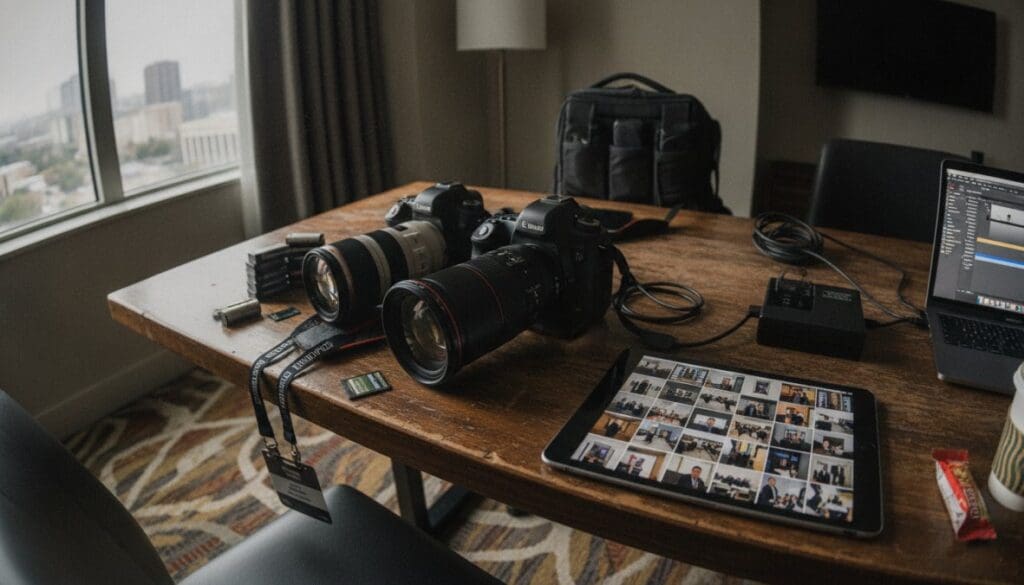
Bring at least two backup batteries for 6-8 hour shoots. Invest in high-speed, reliable memory cards and carry backups in a separate bag.
Lenses and Focal Length Selection
You need two lenses minimum: an 85mm prime lens for keynote speakers and close-up moments, and a wide-angle lens (24-35mm) for room shots and networking moments. A 70-200mm telephoto lens lets you capture speakers from the back of large rooms without being visible and compresses background elements for polished compositions.
Longer focal lengths let you work from a distance and remain unobtrusive. Shorter focal lengths require closer positioning, which can feel intrusive.
Critical Accessories and Backup Systems
Off-camera flash is essential for conference photography. Ambient light is often insufficient, and on-camera flash creates flat, unflattering images. A wireless flash system lets you position light off to the side or bounced from ceilings, creating dimension and professional results.
Bring duplicate memory cards, backup batteries, and a backup camera body if possible. A single camera failure mid-event is catastrophic. White balance correction tools help you maintain consistent color across different lighting zones.
Camera Settings for Professional Conference Coverage
Your camera settings determine whether you capture sharp, properly exposed images in challenging conditions.
ISO Performance and Noise Management
Conference venues often have dim ambient light mixed with spotlights. Set your ISO to auto with a maximum threshold of 3200 or 6400. Modern full-frame cameras handle high ISO far better than crop-sensor cameras. Shoot in RAW format, which gives you maximum flexibility for noise reduction without losing detail.
Aperture, Shutter Speed, and Depth of Field
Shoot with a wide aperture, f/2.8 or wider, to let in more light and create shallow depth of field that isolates your subject from distracting backgrounds. Maintain a shutter speed of at least 1/125th of a second to freeze motion. An 85mm lens at f/2.8 creates beautiful subject isolation, while a 24-35mm wide-angle lens at f/4 keeps more of the scene in focus for room shots.
White Balance and RAW Format Workflow
Conference venues have mixed lighting, tungsten, LED, and natural light. Set white balance to auto, but shoot RAW because auto white balance often fails in mixed lighting. RAW format captures all color information, giving you complete control in post-processing. Shoot RAW + JPEG if your camera supports it for quick previews and backup files.
Creating an Effective Conference Photography Shot List
A shot list is your strategic plan for the event, ensuring you capture moments that matter to your client and prevent missing critical shots.
Shot Types for Different Conference Moments
Your shot list should include arrival and registration shots, keynote speaker coverage from multiple angles, breakout session moments, networking shots showing genuine interaction, panel discussions from the side, sponsor booth moments, and award presentations. Document the physical space itself with wide shots of the venue, signage, and setup for context.
VIP and Keynote Speaker Photography Strategy
Scout the stage setup before the event. Understand the lighting, spotlights, shadows, and background. Shoot from multiple angles, close-ups of the speaker’s face, medium shots showing their relationship to the audience, and wide shots showing stage and audience context.
Identify VIPs before the event and prioritize capturing them in engaged moments. Position yourself to the side where you can see the speaker and audience without being in the line of sight.
Mastering Lighting, Composition, and Candid Photography
Working with Ambient Light and Off-Camera Flash
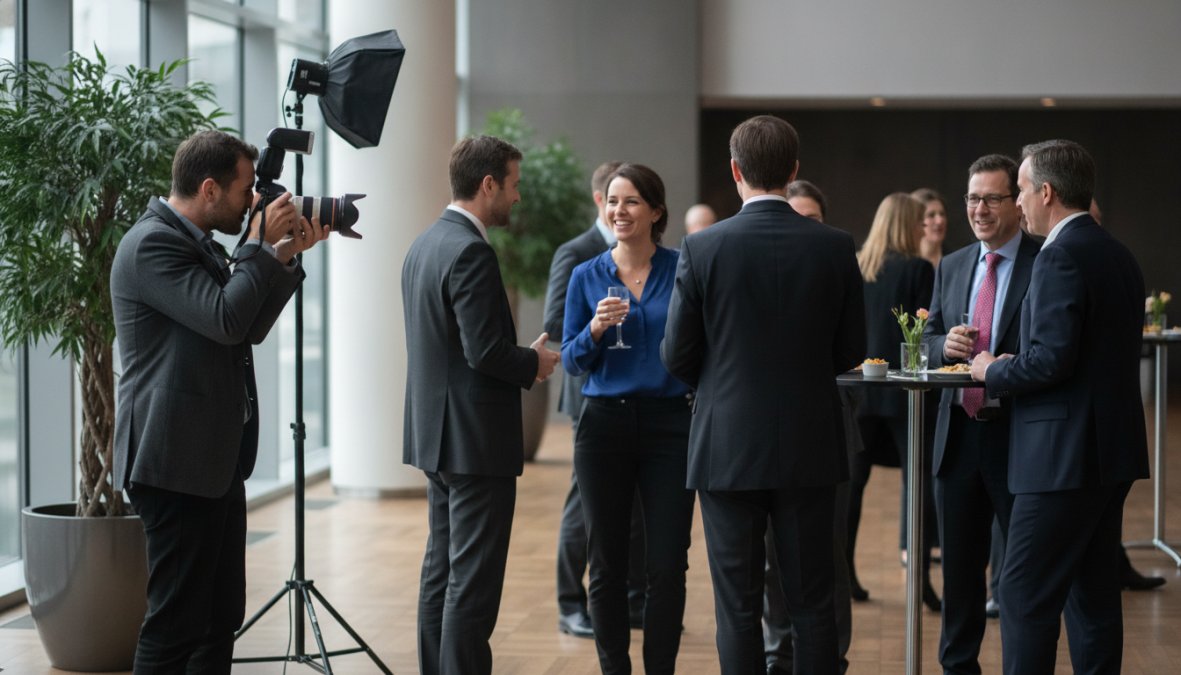
Use off-camera flash strategically to fill shadows and add dimension. Position your flash off to the side or bounced from the ceiling, direct flash creates flat, unflattering images. Balance ambient light with flash to supplement rather than overpower the room’s existing light. Understand the color temperature of different light sources and use white balance correction to account for mixed warm tungsten and cool LED panels.
Capturing Authentic Networking and Candid Moments
Position yourself where conversations happen, near refreshment areas, between sessions, during networking breaks. Watch for moments of genuine connection, laughter, or engagement. Be unobtrusive by working from a distance with longer focal lengths so people forget you’re there and act naturally.
Use burst mode to capture sequences as moments unfold. A handshake, laugh, or gesture often looks better in the second or third frame than the first.
Managing Backgrounds and Minimizing Distractions
Use shallow depth of field to blur backgrounds and isolate your subject. Position yourself strategically to find angles where the background is clean or complements the subject. Watch for distracting elements like exit signs, clutter, or people making odd expressions.
Scout the venue before the event starts. Walk the space, understand lighting zones, and identify background elements you want to use or avoid. This 30-minute investment pays off in better images throughout the day.
Professionalism, Discretion, and Event Strategy
Being a professional conference photographer means understanding your role in the event. You’re not the center of attention, the event and its attendees are.
Being Unobtrusive While Capturing Key Moments
Dress appropriately for the event to blend in. Move deliberately and quietly without hovering over conversations. Use longer focal lengths so you’re not physically intrusive. Respect people who don’t want to be photographed. Understand the event’s priorities and ensure your shot list reflects them.
Client Communication and Event Coordination
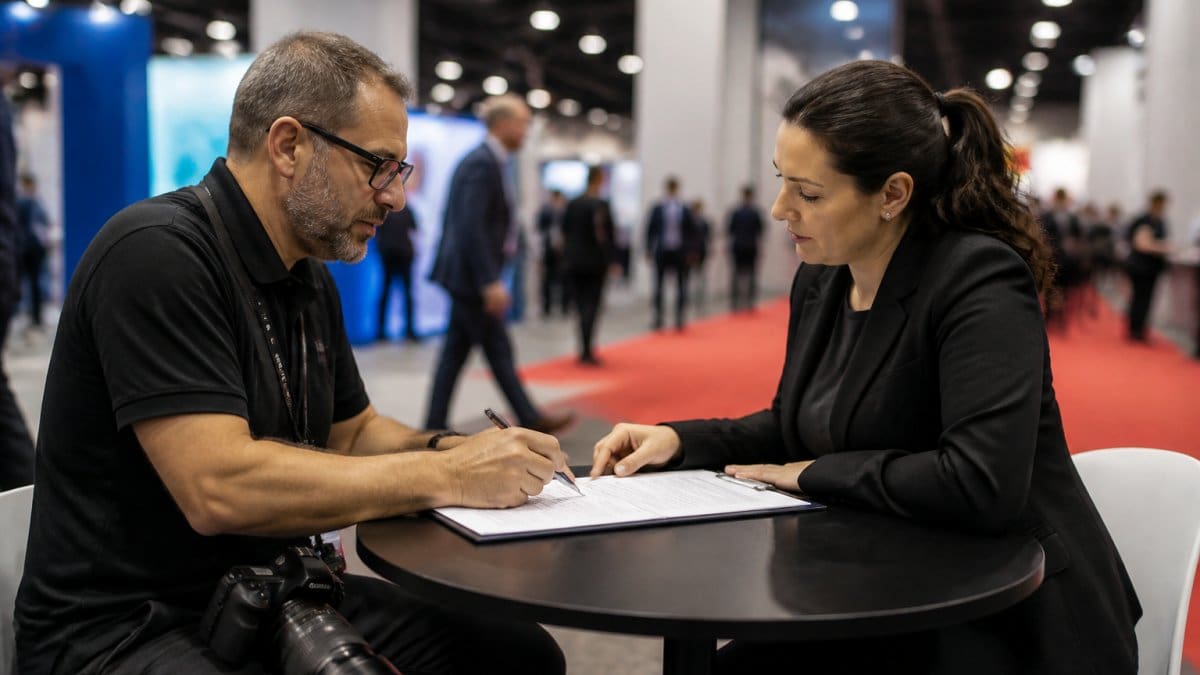
Before the event, communicate about expectations, shot list, VIPs, timeline, and specific moments. Arrive early to scout the space and test equipment. During the event, stay aware of the schedule. After the event, communicate about turnaround time and deliverables.
Professional conference photography is 30% technical skill, 40% strategic planning, and 30% client communication.
How to Hire a Conference Photographer That Delivers Results
Evaluating Portfolio and Photojournalistic Style
Look for a portfolio showing genuine conference work with candid moments and authentic interactions. Ask for examples from similar events. Evaluate consistency in image quality and whether images have a cohesive style. Professional conference photography should feel natural and unposed. Ask about their process and shot list strategy.
Understanding Turnaround Time and Asset Delivery
Ask about post-processing workflow and how quickly they deliver edited images. Understand what "delivery" means, are you getting RAW files or edited JPEGs? How are images organized? Ask about licensing and usage rights. Discuss the backup plan if images don’t turn out as expected.
Conference Photography Examples and Post-Processing Workflow
Post-Processing Standards and Metadata Management
Professional images aren’t delivered straight from the camera. Optimize exposure for intended use, correct white balance, and apply minimal retouching. Every image should include keywords, captions, and copyright information for searchability and intellectual property protection.
File Delivery, Format Options, and Client Expectations
Deliver organized, accessible files by date, event section, or subject. Edited images for web should be JPEG files; images for print should be high-resolution TIFFs. Provide files in the correct format for your use case. Ask about file retention and whether the photographer keeps organized archives.
Avoid photographers who deliver images without metadata, without organization, or with unclear usage rights. A professional handles these details.
Hiring a professional conference photographer is an investment in how your event is remembered and represented. The right photographer handles technical execution, strategic planning, and client communication that transforms your event into lasting visual assets. CONTACT US to discuss your conference photography needs and get a customized approach designed for your specific event.
Frequently Asked Questions
What equipment do I absolutely need for professional conference photography?
Professional conference photography requires a full-frame sensor camera body for superior ISO performance, versatile lenses (typically 24-70mm and 70-200mm focal lengths), reliable memory cards with backup systems, extra batteries, and ideally off-camera flash capability. Quality gear ensures you can handle low-light keynote sessions, capture sharp candid shots, and deliver high-resolution images suitable for corporate reports and marketing materials.
How should I set my camera for conference photography in varying light conditions?
Start with ISO 1600-3200 depending on ambient light and your camera's noise performance, aperture f/2.8-f/4 for depth of field control, and shutter speed 1/125 or faster to freeze motion. Shoot in RAW format for maximum post-processing flexibility and precise white balance correction. Use high-speed burst mode for keynote speakers and networking moments to ensure you capture authentic expressions and peak moments.
What makes a conference photography shot list effective?
An effective shot list identifies specific moments: keynote speakers at the podium, VIP interactions, wide venue shots, networking candids, sponsor branding opportunities, and attendee reactions. It should align with the client's event schedule and business objectives. A detailed shot list ensures you don't miss critical moments and demonstrates professionalism to clients before the event, reducing post-event surprises and revisions.
How quickly can I deliver final conference photography to clients?
Professional turnaround depends on the number of images and editing requirements. Many experienced photographers deliver a curated selection of edited highlights within 24-48 hours for press releases and social media, with a complete edited gallery within 5-7 business days. Fast delivery requires efficient post-processing workflows, proper metadata management, and clear file delivery systems, discuss specific timelines with your photographer before booking to ensure it matches your organizational needs.
This article was written using GrandRanker